
Welcome to our Frequently Asked Questions!
Here you’ll find clear answers to the most common questions about using AloBaiti — whether you’re a guest, a host, or just exploring. If you don’t find what you’re looking for, feel free to contact us — we’re always happy to help! 😊
Recommended for you
The booking process is usually quick! Once you choose a property and submit your request, most hosts respond within a few hours. Some listings even allow instant booking, which confirms your reservation immediately.
We currently accept secure online payments using credit cards, local Tunisian bank cards, and other regional gateways (based on availability). You’ll see available options at checkout.
If you receive a tax-related document, it’s usually for record-keeping or legal compliance. If you’re unsure what it means, feel free to contact us via support@alobaiti.tn 📩 and we’ll guide you.
Currently, only one payment method can be used per reservation. You’ll need to choose your preferred method during checkout.
You can manage your payment methods by visiting your Profile and navigating to the Billing or Payment Settings section. From there, you can update, add, or remove saved cards.
Booking Questions
Yes! If your reservation is still pending and hasn’t been accepted by the host, you can cancel the request and submit a new one with the correct details. Simply go to Reservations > Pending and click Cancel to start over.
To cancel a reservation request, visit your Reservations page and find the booking you want to cancel. If it’s still pending, you’ll see a Cancel button. If it’s confirmed, cancellation policies will apply.
You can view the status of your booking at any time by going to your Reservations tab in your profile. There you’ll see whether it’s pending, confirmed, or cancelled.
All your bookings are stored under your Reservations page. Log in to your account, click on your profile, and open the Reservations section to access your full history.
You are charged once your reservation is confirmed. If it’s an instant booking, the charge happens right away. For requests that require host approval, payment is processed only after the host accepts.
Help on your reservations
If your host cancels, you will receive a full refund automatically, and we’ll notify you right away. You can then choose another property from our listings and book again. We’re always here if you need help finding alternatives.
The Resolution Center helps guests and hosts solve issues, such as refunds or damage claims. You can reach it through your Messages with the host or contact us at support@alobaiti.tn.
Contact your host directly via your Messages page. Most hosts are happy to help return lost items. If you need extra help, feel free to contact our team.
If it’s not an instant booking property and the host hasn’t responded, we recommend waiting or choosing another listing. Fast response is key — so feel free to search for more listings with instant booking enabled.
Once your reservation is confirmed, you can copy the listing URL and share it by email, WhatsApp, or message. All trip details are also available in your Reservations page to screenshot or forward.
Account & Profile
To create an account, simply visit our Register Page, fill in your details, choose a strong password, accept the terms, and click Register. Once registered, you can start searching or listing properties right away! 🏡✨
No worries! Go to the Password Reset page, enter your registered email, and follow the instructions sent to your inbox to set a new password securely. 🔐📧
Log in to your account and navigate to your Profile Page. Here, you can update your personal information, add a profile picture, and manage other settings. Remember to save your changes! 👤🖊️
Absolutely! We take your privacy seriously. All your data is protected following strict security standards and our Privacy Policy. You can review it anytime for full details. 🔒📜
Identity verification helps build trust. To verify yourself, visit the Verification Page and follow the steps to upload your ID and complete the process. Verified users get a special badge on their profiles! ✅🛡️
Becoming a Host
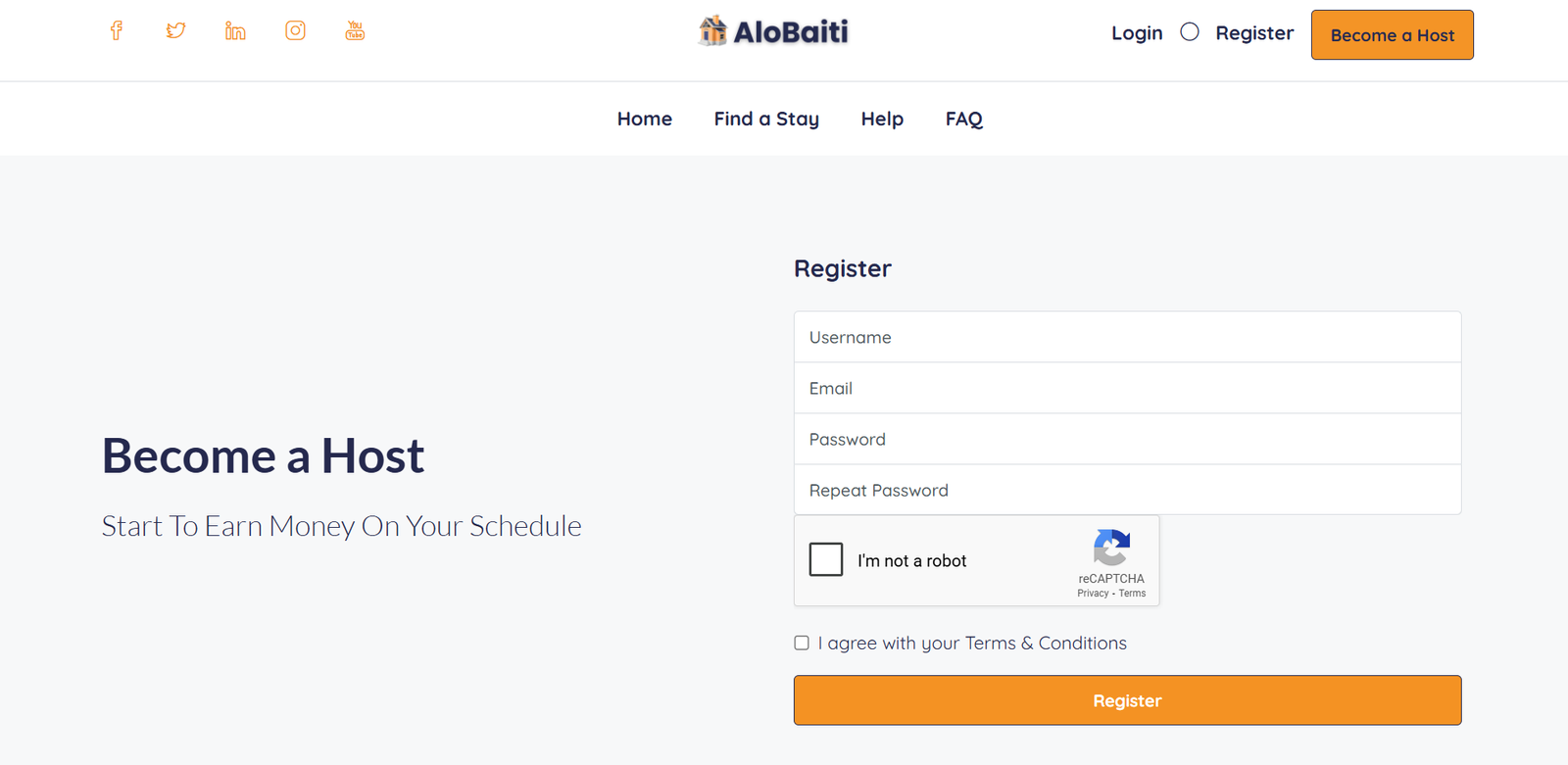
First, create and log into your account. Then, click on the Become a Host tab or visit your dashboard. Fill in your property details like title, location, photos, pricing, and house rules. Once done, save and publish your listing to start welcoming guests! 🏠✨
See this guide screenshot:
Your property should comply with local laws and platform rules. It must have clear photos, accurate descriptions, and pricing. You also need to provide contact details and agree to our Host Terms. 📝🏡
Yes! You can view and manage all your bookings from your Reservations page. Here you can accept, decline, or communicate with renters. Keep your calendar updated to avoid double bookings! 📅📬
Payments are processed securely through the platform after a successful booking. You can set your preferred payout method in your profile. For details, check the payment info in your dashboard or contact support. 💳💰
We’re here for you! Visit the Help Center or check the FAQs. You can also email us anytime at support@alobaiti.tn or call +216 97010533 / +216 27010533. 🤝📞
Safety & Platform Rules
At AloBaiti, your safety is our top priority. We implement strict verification processes for hosts and guests, monitor listings for accuracy, and provide secure messaging within the platform to protect your privacy. We also encourage reviews and feedback so the community helps maintain trust and transparency.
Yes! Both hosts and guests must complete identity verification before making or accepting reservations. This process helps build trust and ensures that everyone on AloBaiti is a verified member of the community.
If you ever feel unsafe during your stay, immediately contact the host or AloBaiti support through the messaging system or by email at support@alobaiti.tn. We take all safety concerns seriously and will assist you promptly to resolve the issue.
Absolutely. You can report any inappropriate behavior, suspicious activity, or problematic content directly through the AloBaiti platform using the “Report” feature available on profiles or listings, or by contacting support. Our team investigates all reports thoroughly to keep the community safe.
All users must respect our community guidelines, including honest communication, respecting property rules, following booking policies, and treating others with respect. Violations may result in warnings, account suspension, or removal from the platform to maintain a safe and respectful environment.